
Our great Visual Layout Editor just got better:
Now with live previews!
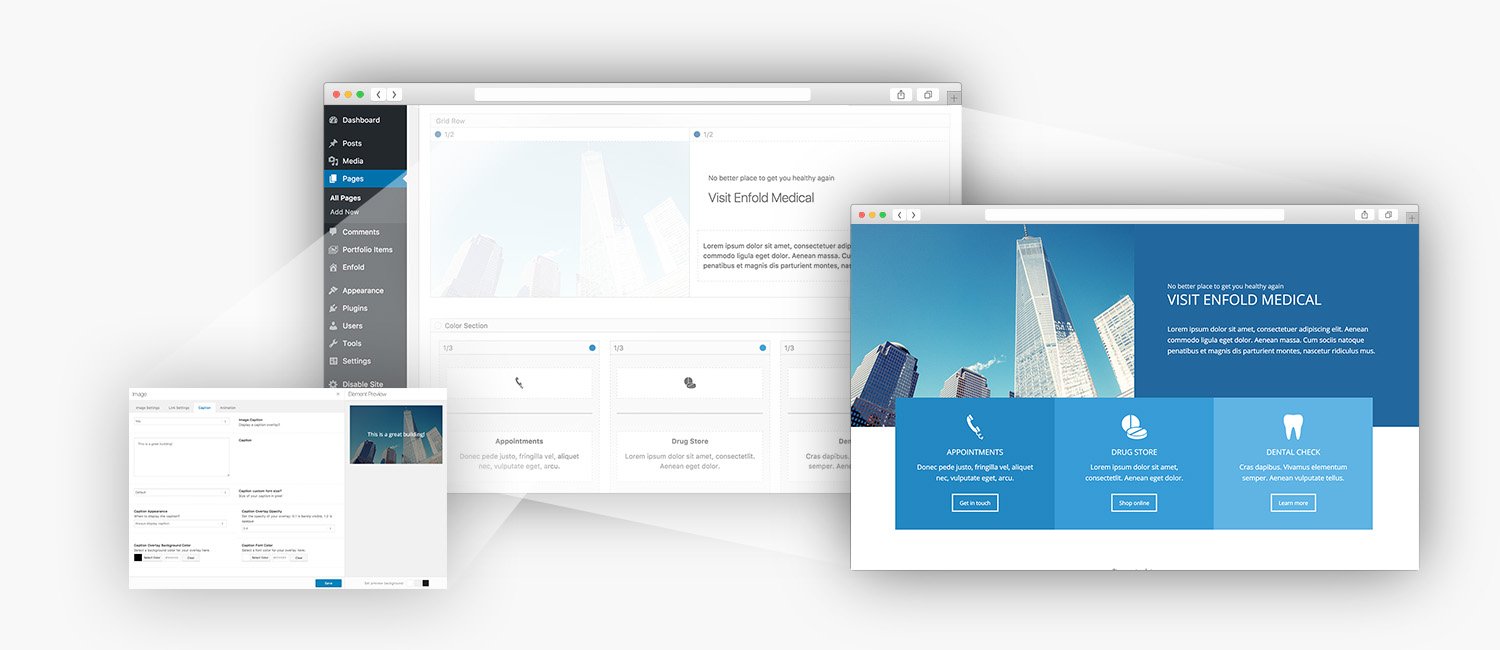
Step 1: Add an element to the visual editor canvas
Step 2: Edit the element to your likings. A visual preview will be shown to the right for most content elements.
Step 3: Rinse and repeat, until you got a great website 😉
There are several approaches when it comes to content editing but we consider our Advanced Layout Editor one of the best.
We prefer a backend editor to one that is placed on the frontend, because there is less clutter and the layout process is usually much easier.
However, there are merits to a frontend editor. The biggest one is that you can see how the element your are editing looks like at any given time.
This is why we have implemented a live preview window for our content elements. So now you got the best of both worlds: easy layout building and visual content editing 🙂
 Kontakt os på:
 Digterparken – Andelsboligforening i Esbjerg